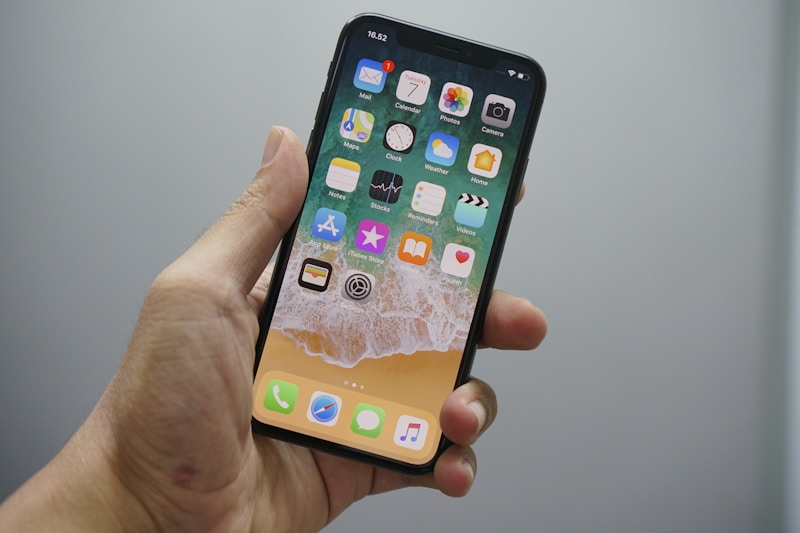
A complete step-by-step guide to setting up and activating an eSIM on your iPhone. Works for iPhone XS and newer models.
Compatible iPhone Models
eSIM is supported on iPhone XS, XS Max, XR, and all newer models including iPhone 11-15 series.
Setup Steps
Method 1: QR Code (Most Common)
- Go to Settings > Cellular > Add Cellular Plan
- Scan the QR code provided by your eSIM provider
- Tap "Add Cellular Plan"
- Label your plan (e.g., "Travel Data")
- Choose default line settings
Method 2: Manual Entry
- Go to Settings > Cellular > Add Cellular Plan
- Tap "Enter Details Manually"
- Enter the SM-DP+ address and activation code
- Complete the setup
Troubleshooting
If your eSIM is not working, try restarting your iPhone, checking if cellular data is enabled, and contacting your provider support.
#iphone#esim#setup#tutorial#how-to